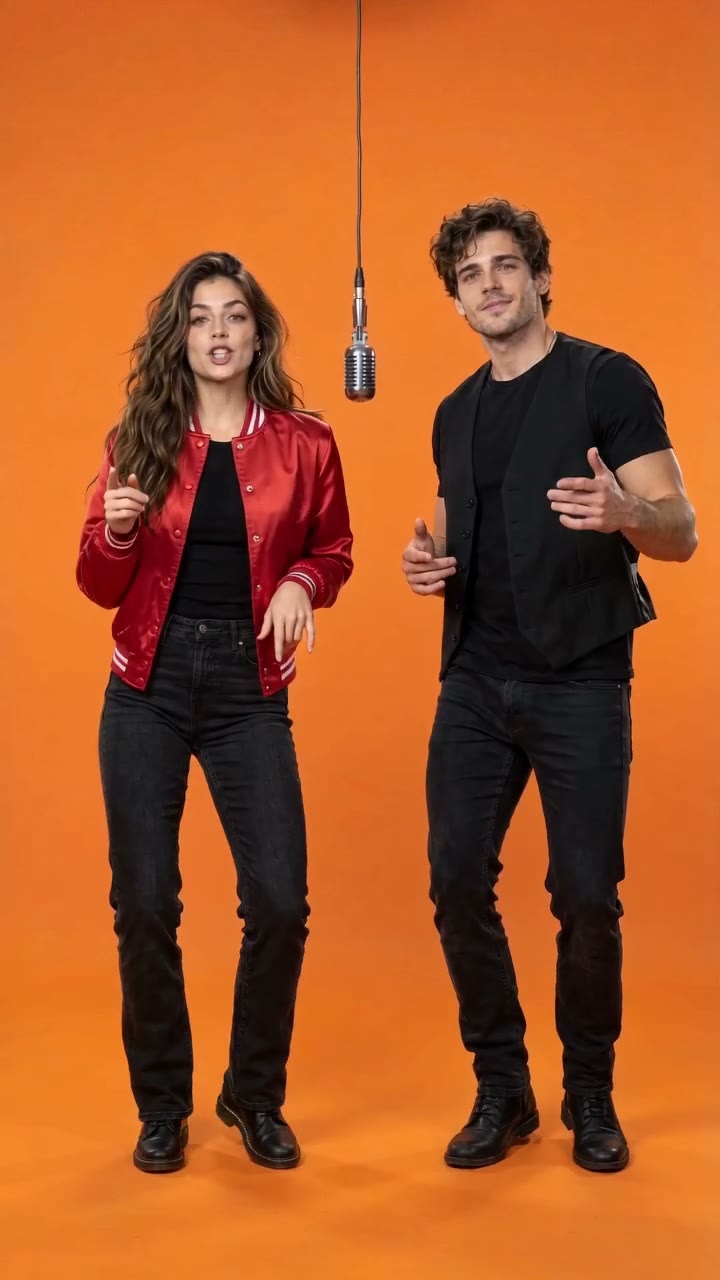
 Shared Mic Duo
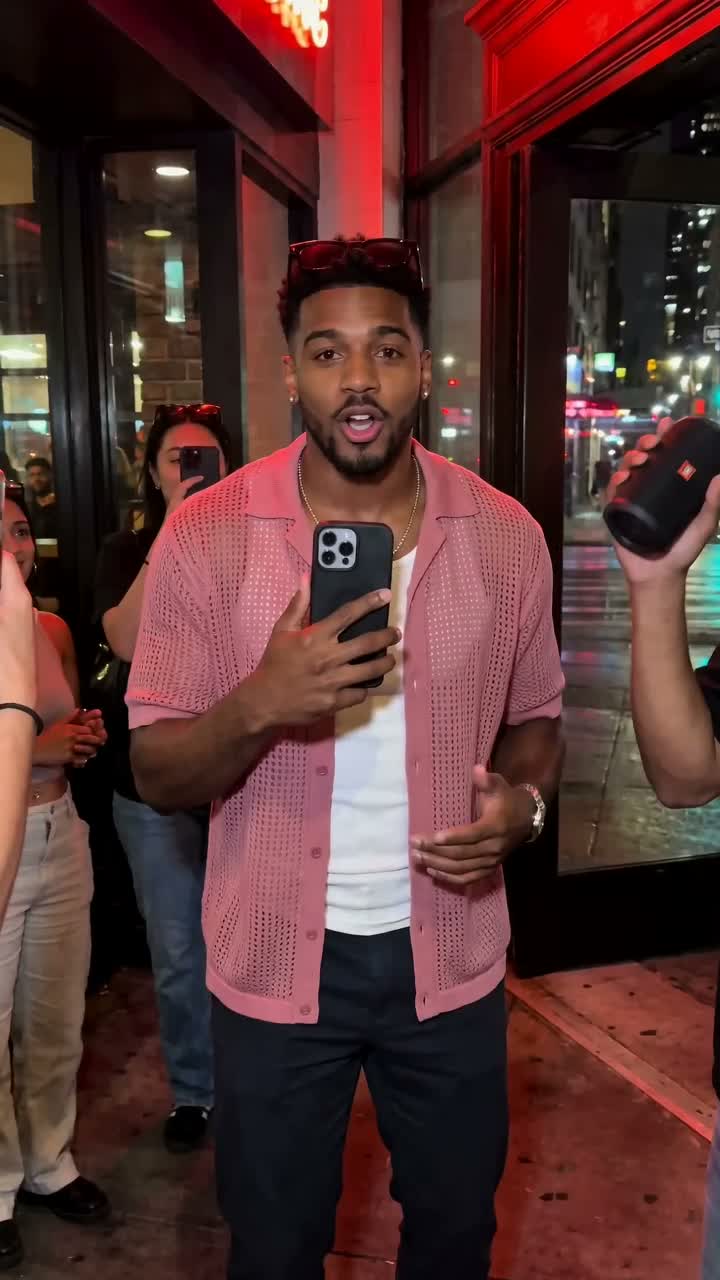 Street Freestyle
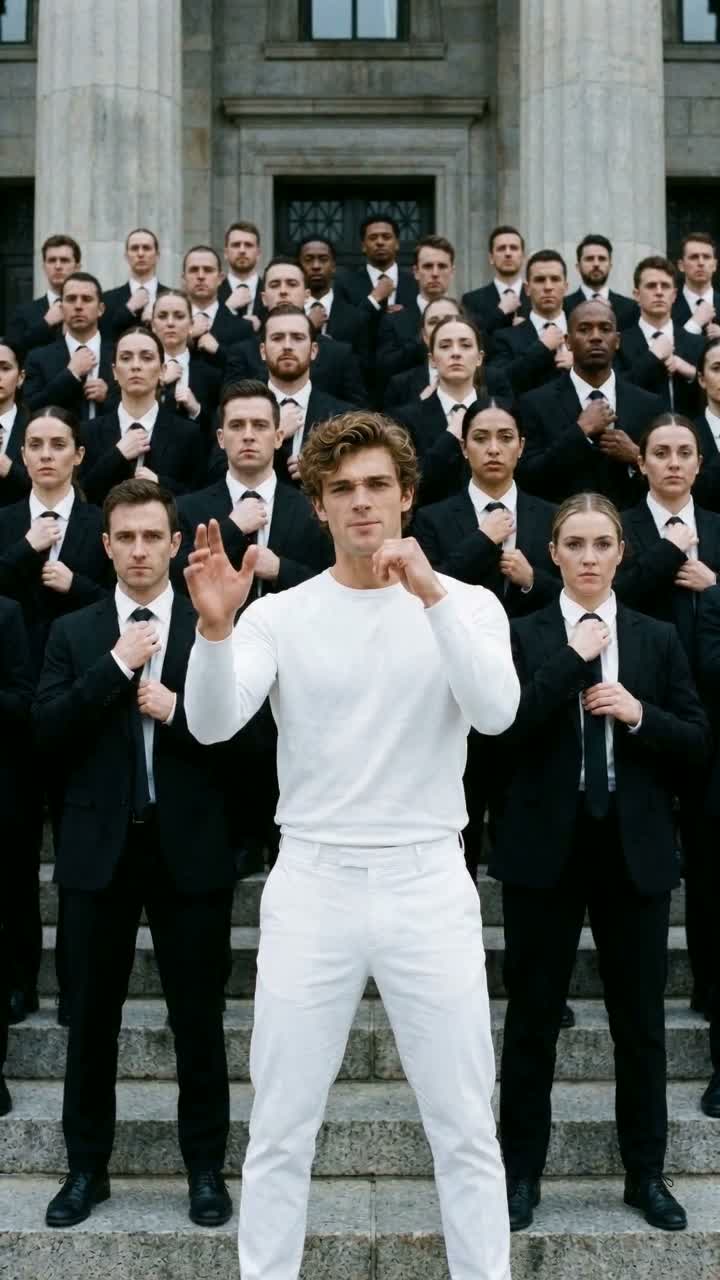 Crowd Wave Rap
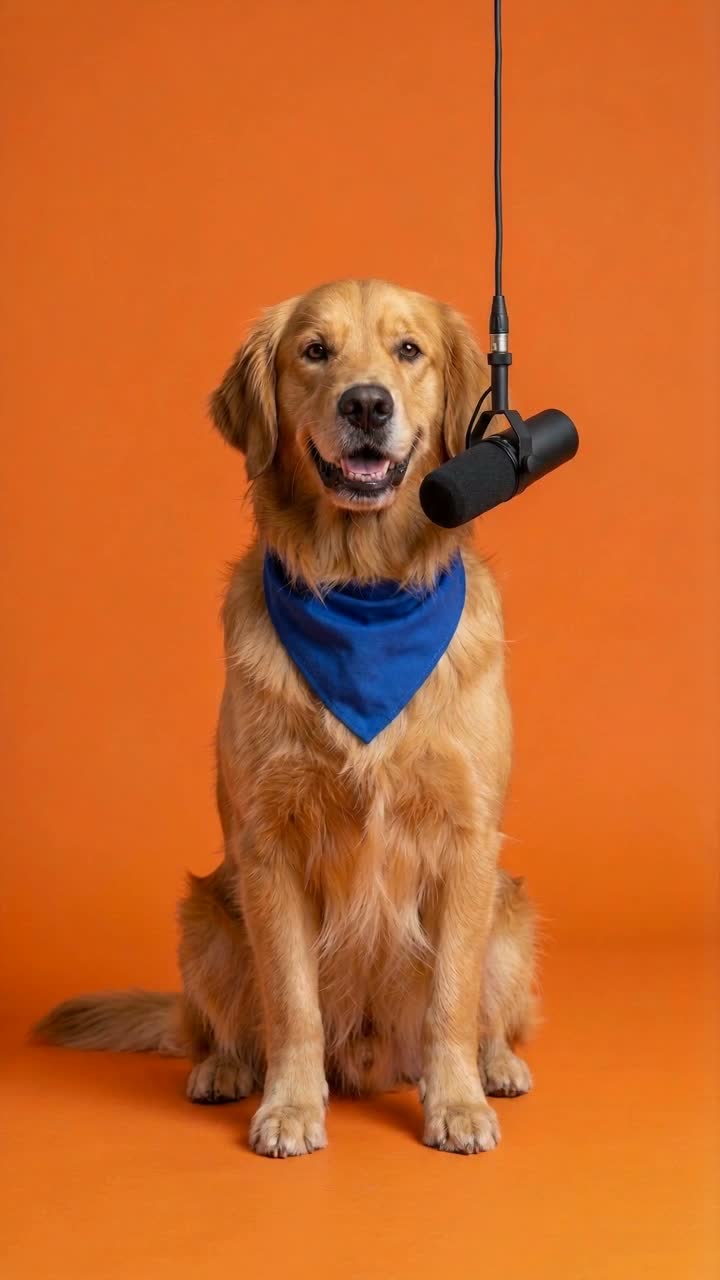 Pet Rapper
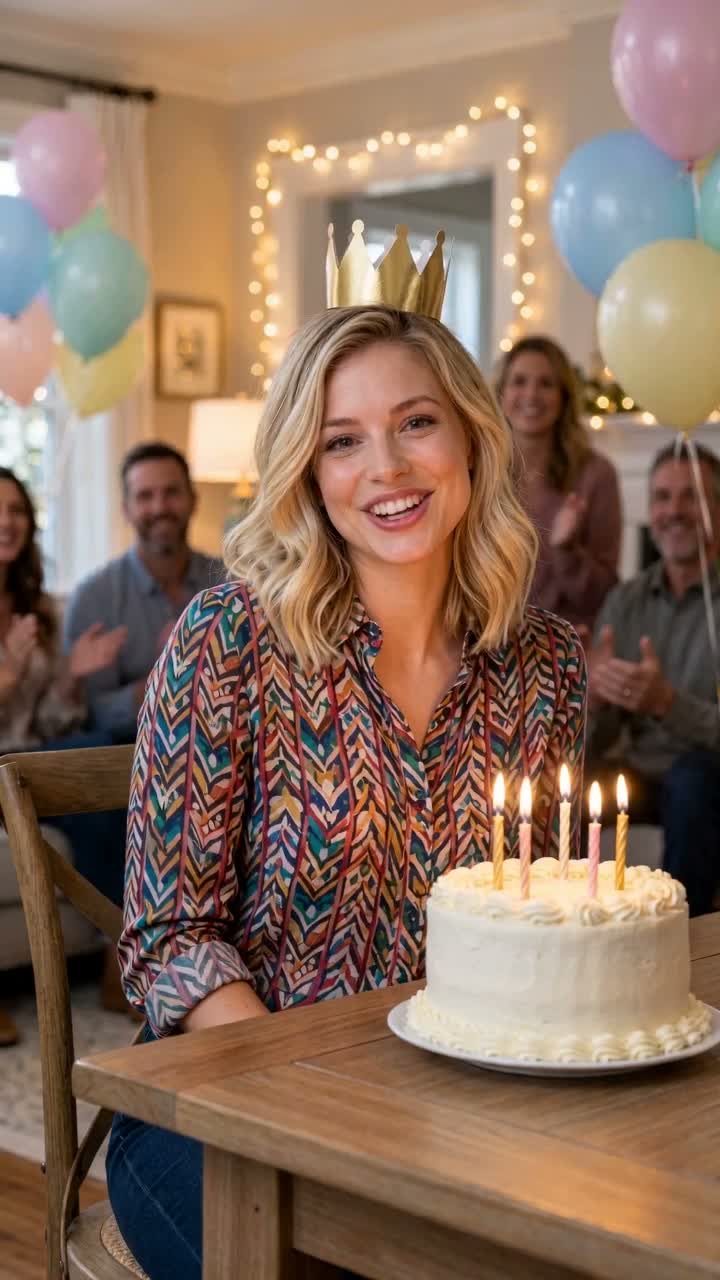 Birthday Rap
How to Make an AI Rap Video from a Photo ↗
Turn one photo into an AI rap video in four steps: pick a template, prepare the right photo, generate and check the result with sound.
 RapsonaMake a rap video
DANCE CHALLENGE / ONE FULL-BODY PHOTO
To make a rap dance challenge video, add one full-body adult photo with permission to Rapsona’s Hook Dance Challenge template. Get a 12-second vertical video with an original beat and rap vocals, usually in 5–10 minutes, for $5.99.
Available now.
First take · not retried or edited
Unless a template is marked otherwise, its example is the first and only video we generated for it, from an AI-generated test photo of a fictional adult (or pet). Nothing was retried, picked from several takes or edited. Your result will differ.
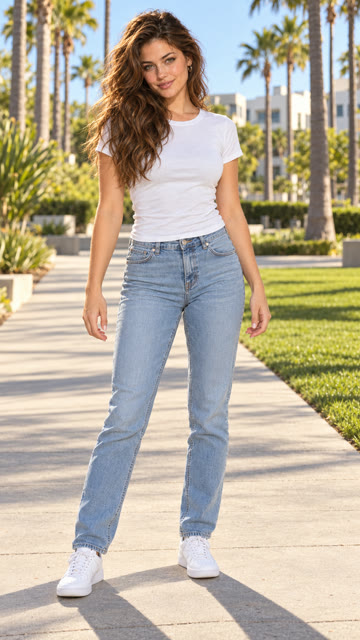
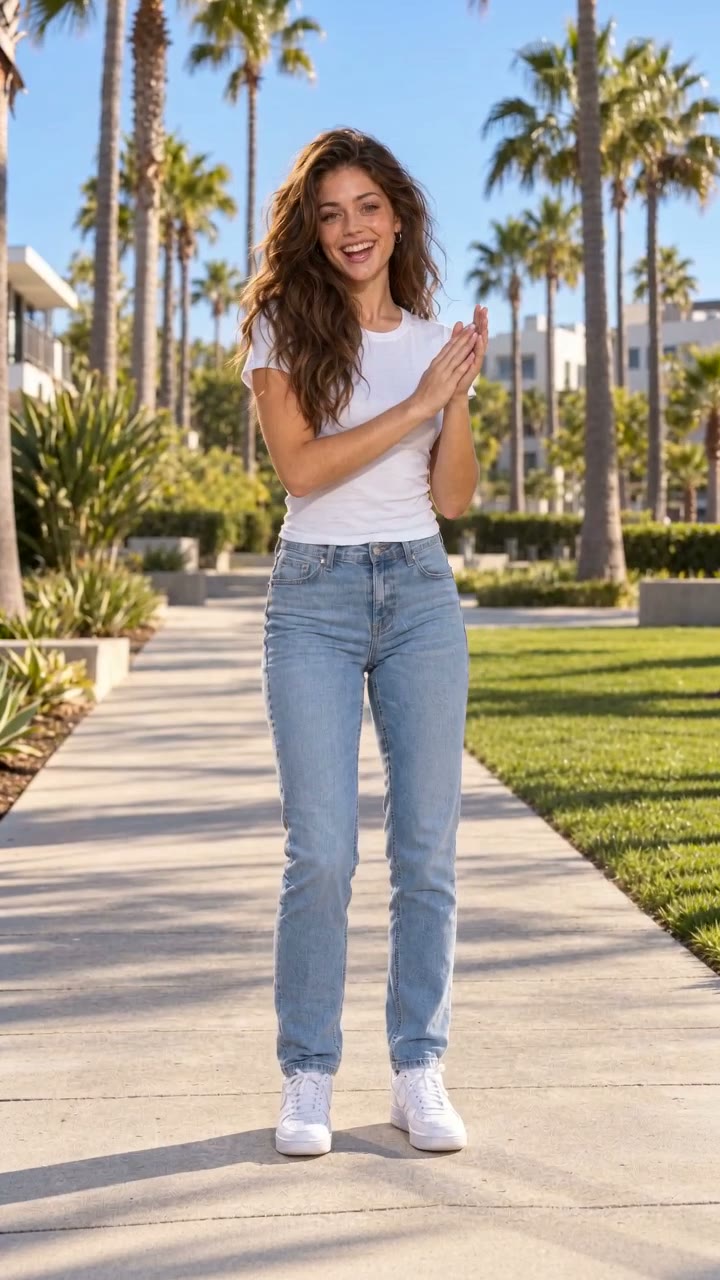
The same script is used for every video. Generated vocals can drift from it; exact words are not guaranteed.
Generated fresh every time: how closely the face matches, mouth timing, the exact words you hear, the voice, hand and crowd movement, and background details.
If your video has a clear technical defect, report it within 14 days; if we confirm it, the credit comes back. What happens if something goes wrong.
THE PERFORMANCE
A bouncy groove in the knees, a hand swipe across the open palm on the snare, rolling shoulders in the gaps and a sharp arms-up pose to finish. A sunny palm-lined walkway in bright daylight, with your whole body in frame from head to feet, on a bouncy summer groove around 104 BPM. The template asks for steps to the left and right; how much footwork you get varies between videos.
This saved example shows one tested output. Faces, motion and small details can vary with your photo; review the full clip before sharing.
YOUR PHOTO
Use one full-body photo of an adult who agreed to appear: standing, head to feet in the frame, face visible, ideally in fitted clothes against a plain background. A head-and-shoulders portrait is not enough for this template.
ABOUT THE STYLE
The routine follows the bounce, palm-swipe and pose of a popular summer dance challenge, simplified so it looks good on anyone. The beat, lyrics and performance are original and written for Rapsona; no existing song, video or dancer is used.
Every Rapsona template is an original scene with generated audio. No template is affiliated with an artist, label or brand.
Prepare one full-body photo of a consenting adult, standing, from head to feet, with the face visible.
Play the whole sample with sound. Check the opening scene, movement and audio before choosing.
Check out once, upload your photo and generate. Your finished video appears in your account; download it within 7 days.
A standing full-body photo with your head and feet in the frame, your face visible and even light. Fitted clothes and a plain background help the motion look natural.
Not for this template. A selfie only shows your face, so your body would have to be guessed. Use a full-body photo.
The routine follows the same simple pattern, which is what makes it a challenge. AI motion varies a little between videos.
About 12 seconds, as a vertical 720 × 1280 MP4 with sound.
1 full-body photo · 12 seconds · 720p
Add your photo, confirm it’s yours to use, and get your video in about 5–10 minutes.
Need captions? Use the free manual caption tool. Compare other photo templates.
Turn one photo into an AI rap video in four steps: pick a template, prepare the right photo, generate and check the result with sound.
Check photo format, size and dimensions locally, then follow a practical checklist for the photo your AI rap video template needs.
Type and time rap captions in your browser, preview them with a local video and export SRT or WebVTT. No upload, account or automatic transcription.