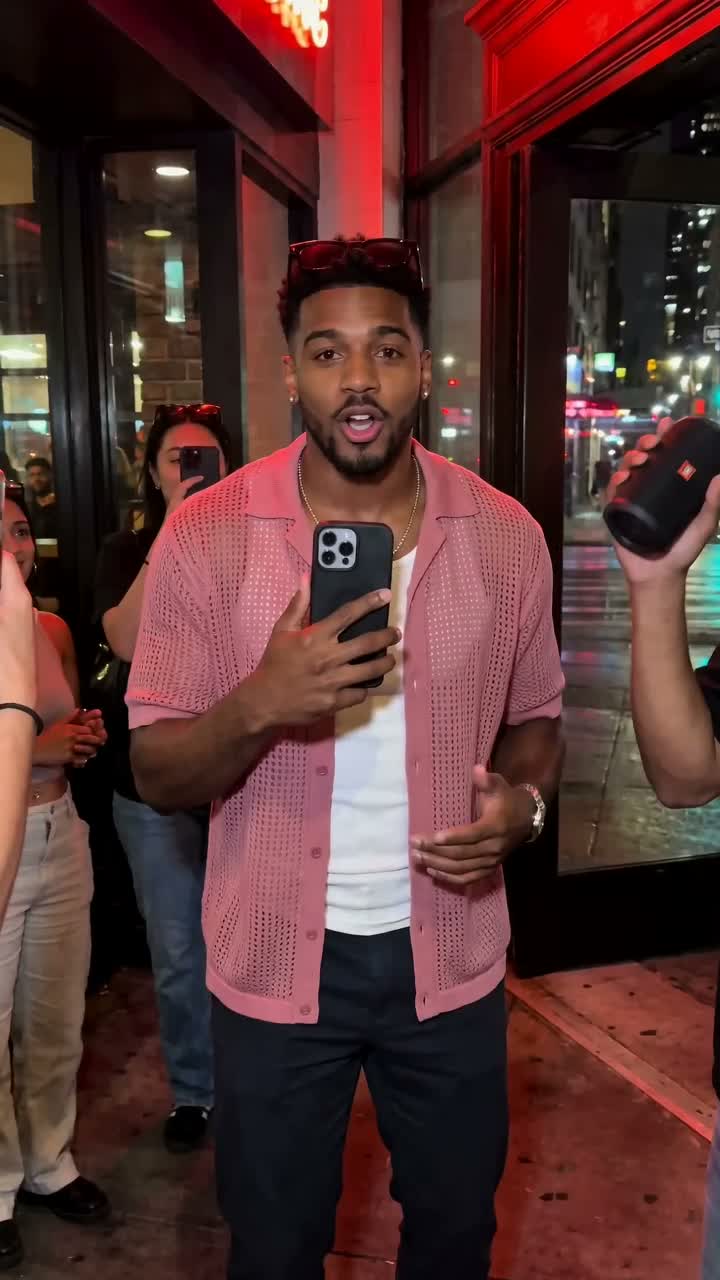
 Street Freestyle
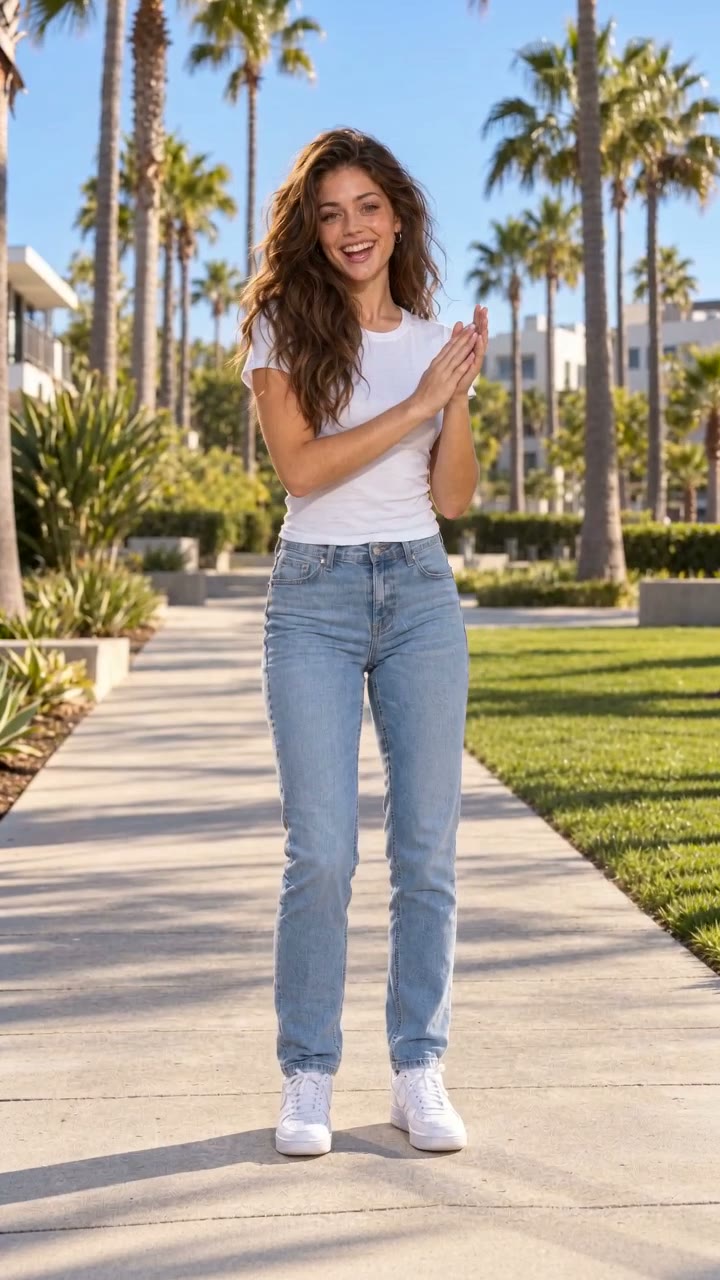 Hook Dance Challenge
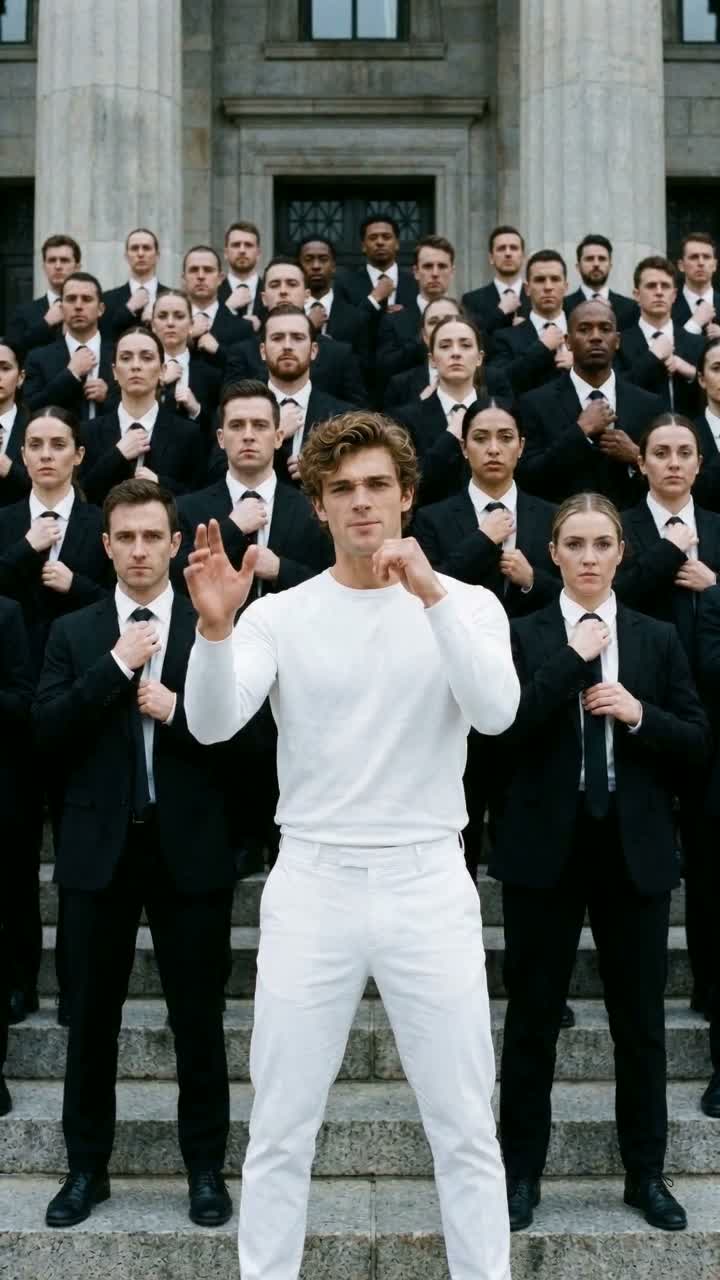 Crowd Wave Rap
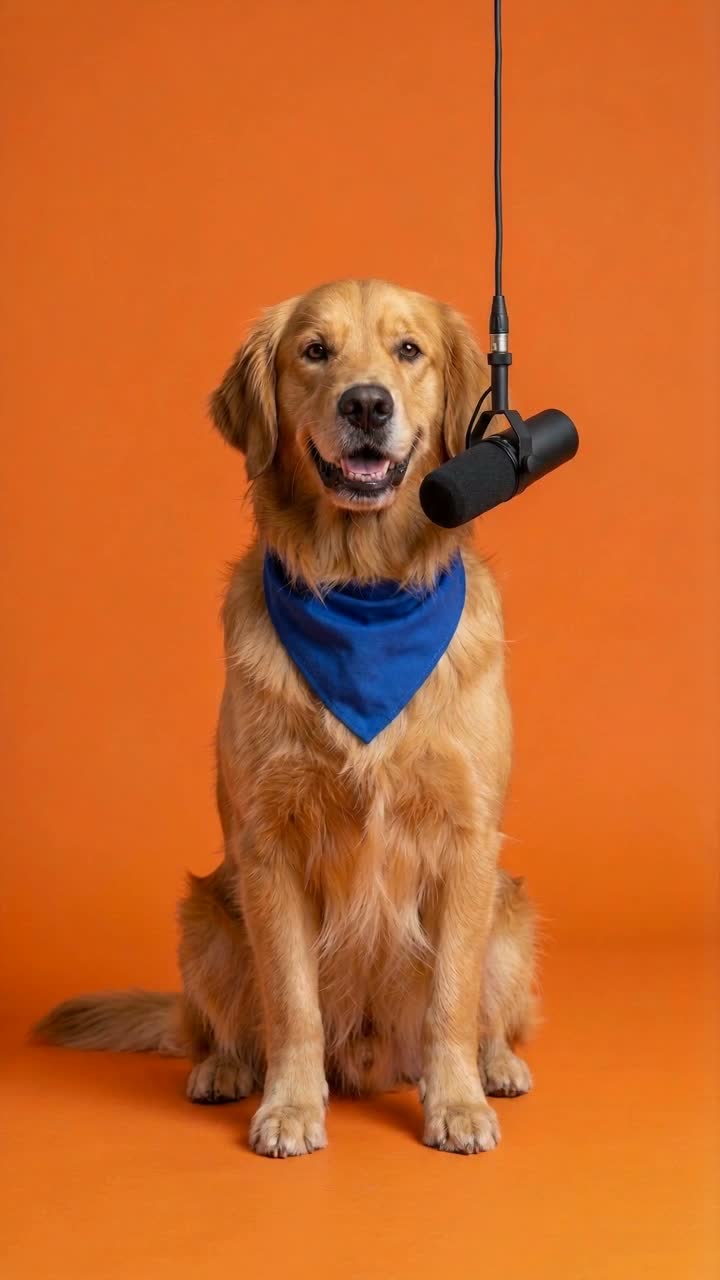 Pet Rapper
 Birthday Rap
How to Make an AI Rap Video from a Photo ↗
Turn one photo into an AI rap video in four steps: pick a template, prepare the right photo, generate and check the result with sound.
 RapsonaMake a rap video
RAP DUO / TWO PHOTOS
To make a rap duo video with a friend, add two separate adult portraits with permission to Rapsona’s Shared Mic Duo template. Get a 12-second vertical video with an original beat and rap vocals, usually in 5–10 minutes, for $5.99.
Available now.
First take · not retried or edited
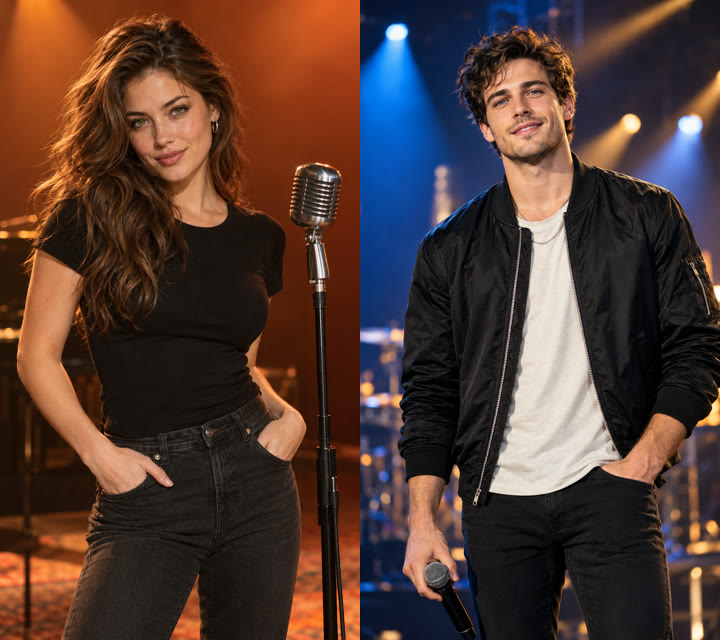
Unless a template is marked otherwise, its example is the first and only video we generated for it, from an AI-generated test photo of a fictional adult (or pet). Nothing was retried, picked from several takes or edited. Your result will differ.
The same script is used for every video. Generated vocals can drift from it; exact words are not guaranteed.
Generated fresh every time: how closely the face matches, mouth timing, the exact words you hear, the voice, hand and crowd movement, and background details.
If your video has a clear technical defect, report it within 14 days; if we confirm it, the credit comes back. What happens if something goes wrong.
THE PERFORMANCE
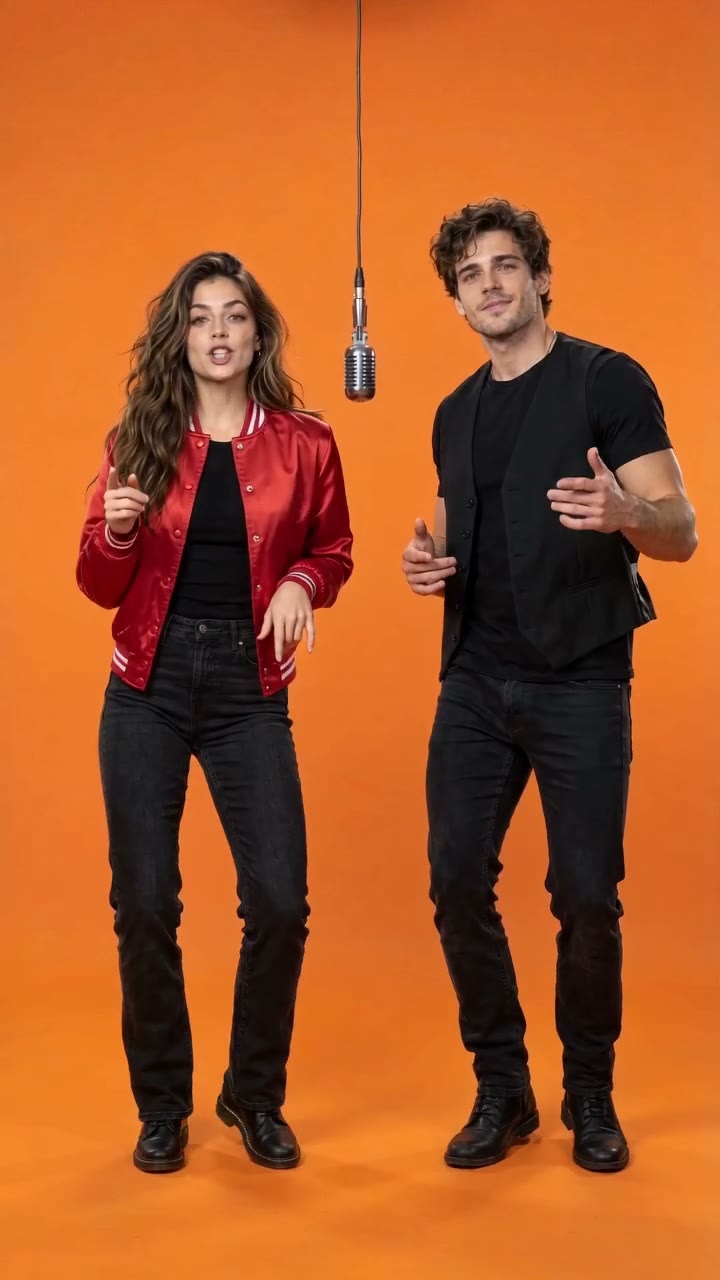
The left performer opens, the right one answers, and both rap the last line together with a quick grin at each other. Nobody stands still: whoever raps leads the verse while the other keeps bouncing and drops short hype answers in the gaps. A bare orange studio and one vintage silver microphone hanging on a cable keep the clip about the two of you; the camera starts full-body, pushes in for the verses and eases back out for the finish. The beat runs around 120 BPM with a bouncing bass line.
This saved example shows one tested output. Faces, motion and small details can vary with your photo; review the full clip before sharing.
YOUR PHOTO
Upload two separate portraits, one person per photo, both adults who agreed to appear. The first photo becomes the left performer and the second the right. Front-facing photos with visible eyes and mouth work best. The template dresses the left performer in a red satin varsity jacket and the right one in a black vest, whatever you wear in your photos.
ABOUT THE STYLE
The scene follows the popular one-mic duet format: a bare orange booth and a single hanging microphone. The beat, lyrics and performance are original and written for Rapsona; no existing footage, song or artist is used, and both performers are generated from your photos.
Every Rapsona template is an original scene with generated audio. No template is affiliated with an artist, label or brand.
Prepare two separate, clear adult portraits. Check who goes on the left and right.
Play the whole sample with sound. Check the opening scene, movement and audio before choosing.
Check out once, upload your photo and generate. Your finished video appears in your account; download it within 7 days.
No. Nothing is pasted into existing footage. Both performers are generated as a new, original performance from your two photos, with an original beat and lyrics.
Any two adults who agreed to appear: friends, partners, siblings or coworkers. Each person needs their own photo. Photos of public figures or minors are not accepted.
The first photo is the left performer, who opens. The second photo answers, and both rap the final line together.
No. A duo video uses one credit, the same as a solo video.
About 12 seconds, as a vertical 720 × 1280 MP4 with sound, sized for short-form feeds and messaging apps.
2 photos · 12 seconds · 720p
Add your photo, confirm it’s yours to use, and get your video in about 5–10 minutes.
Need captions? Use the free manual caption tool. Compare other photo templates.
Turn one photo into an AI rap video in four steps: pick a template, prepare the right photo, generate and check the result with sound.
Check photo format, size and dimensions locally, then follow a practical checklist for the photo your AI rap video template needs.
Type and time rap captions in your browser, preview them with a local video and export SRT or WebVTT. No upload, account or automatic transcription.