How to Make an AI Rap Video from a Photo ↗
Turn one photo into an AI rap video in four steps: pick a template, prepare the right photo, generate and check the result with sound.
 RapsonaMake a dance videoDance video
Rapsona is an AI dance video generator that turns one full-body photo into a 12-second vertical dance video with its own original music. You don’t need a reference dance clip or a song: the routine, scene, beat and vocals are generated together. Usually ready in 5–25 minutes, from $5.99, no watermark.
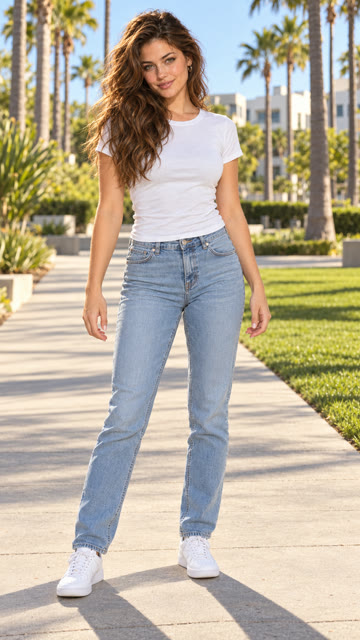
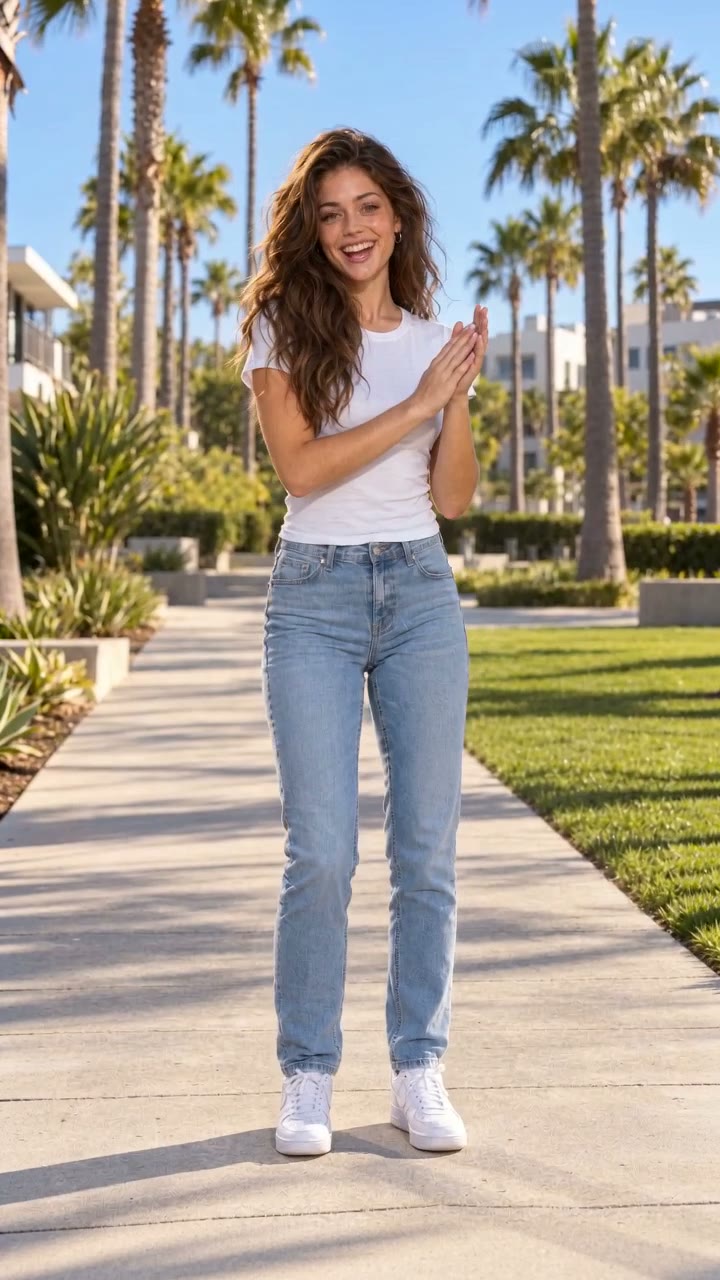
Made from this fictional AI photo. Unedited Rapsona example — turn the sound on. Example notes
Dance · 5
Rap · 5
More templates coming soon
$5.99 per video. Credits never expire, and a failed video gives the credit back. Video packs
Templates
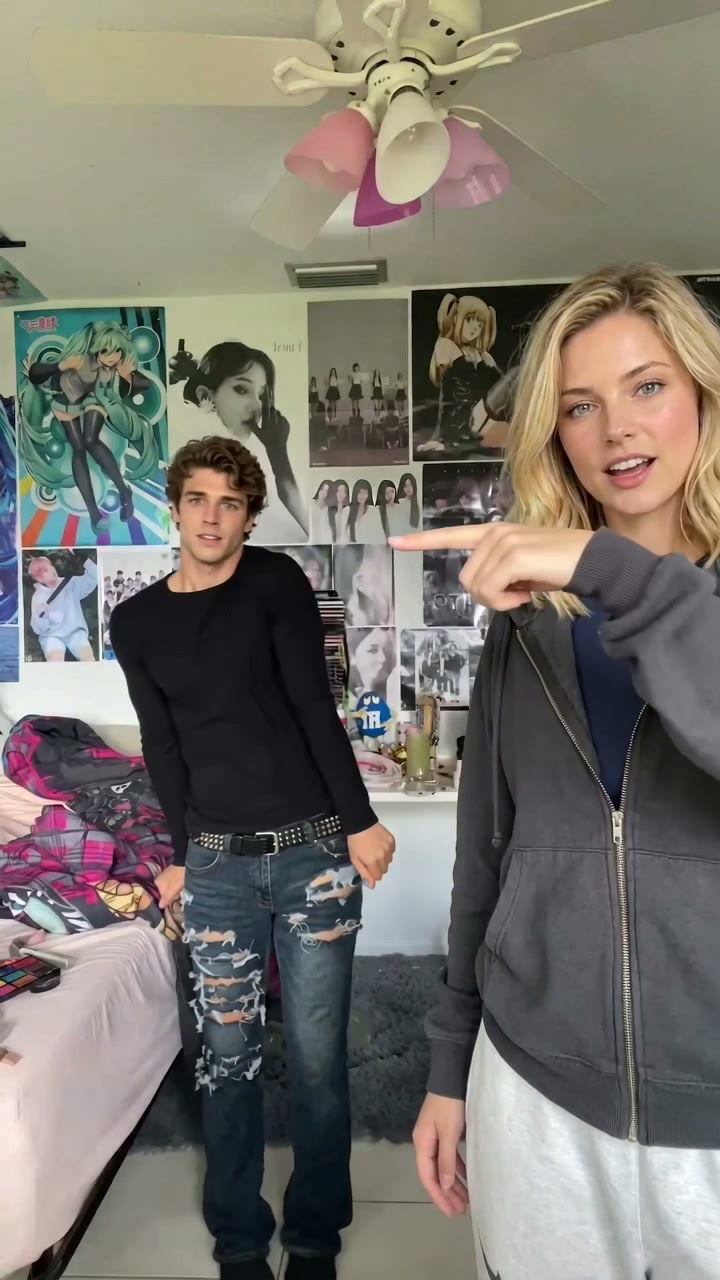 HotHop Hop HopHop Hop Hop puts two people into the viral point-and-swap bedroom dance, set to the trend’s song.Make yours →
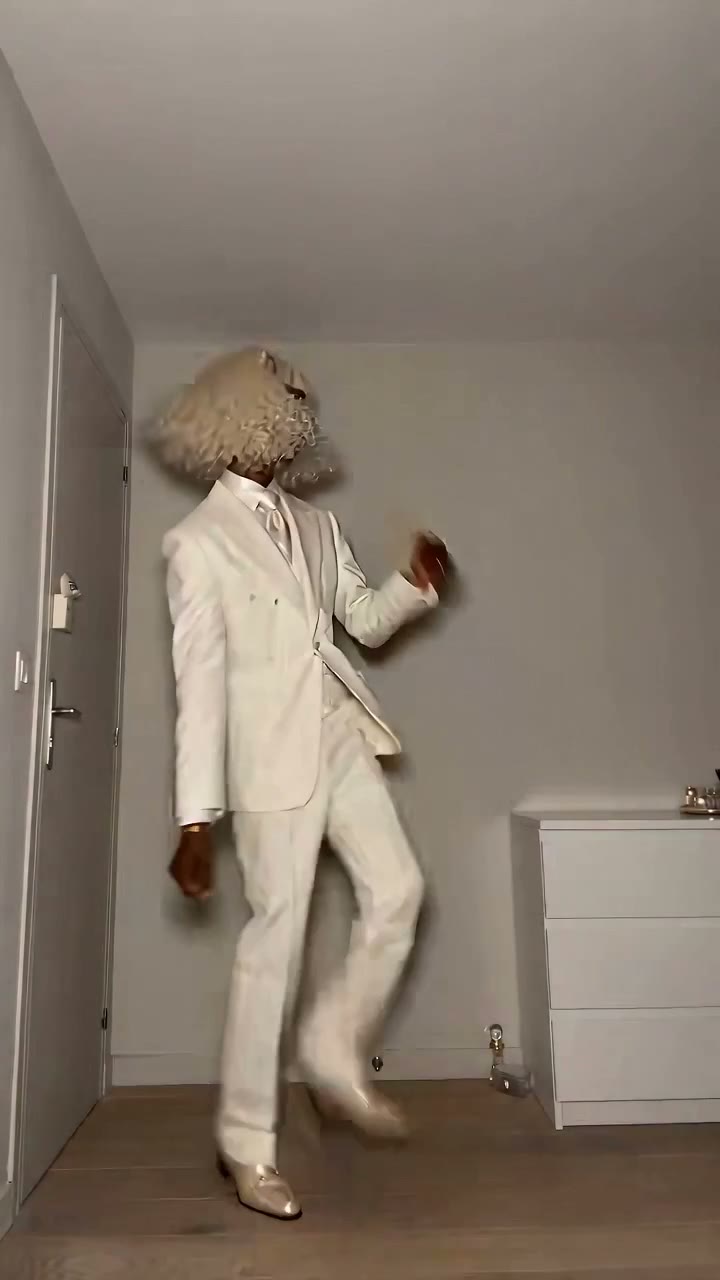 HotToc Toc DanceToc Toc Dance recreates the viral deadpan dance in its white suit and bare room, set to the trend’s song.Make yours →
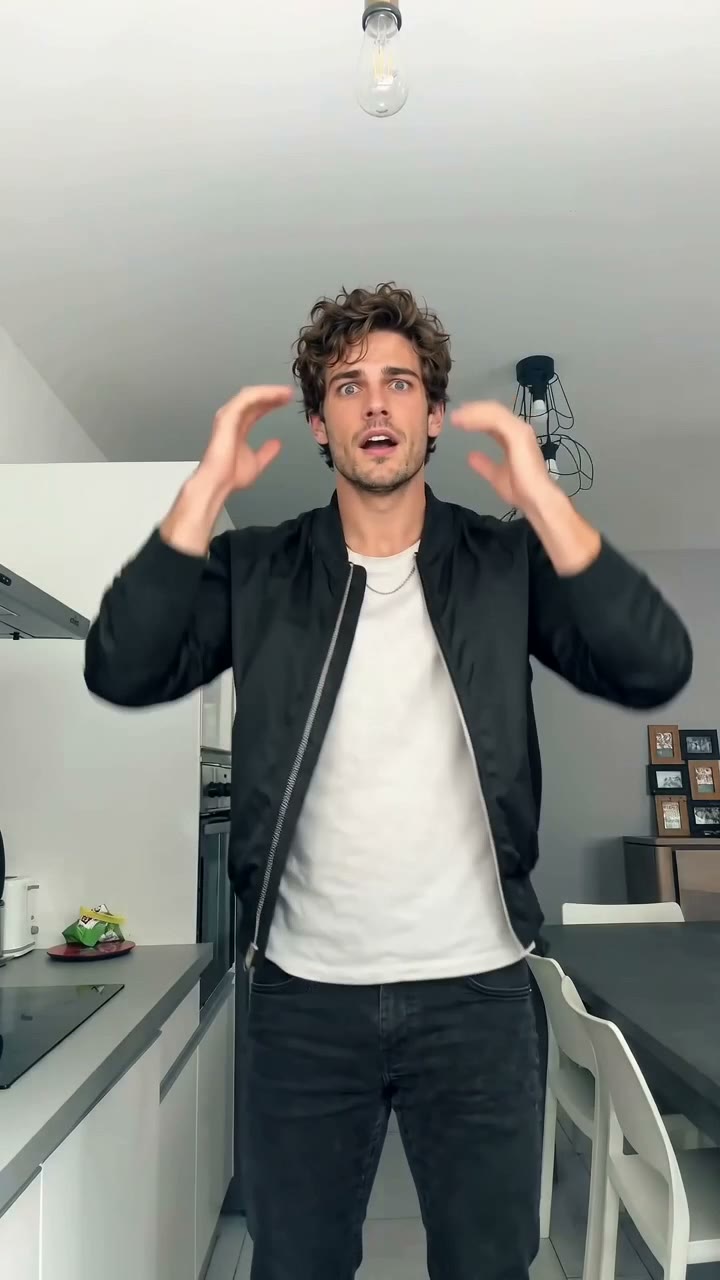 HotBad TimesBad Times puts one person into the viral kitchen argument dance, set to the trend’s song.Make yours →
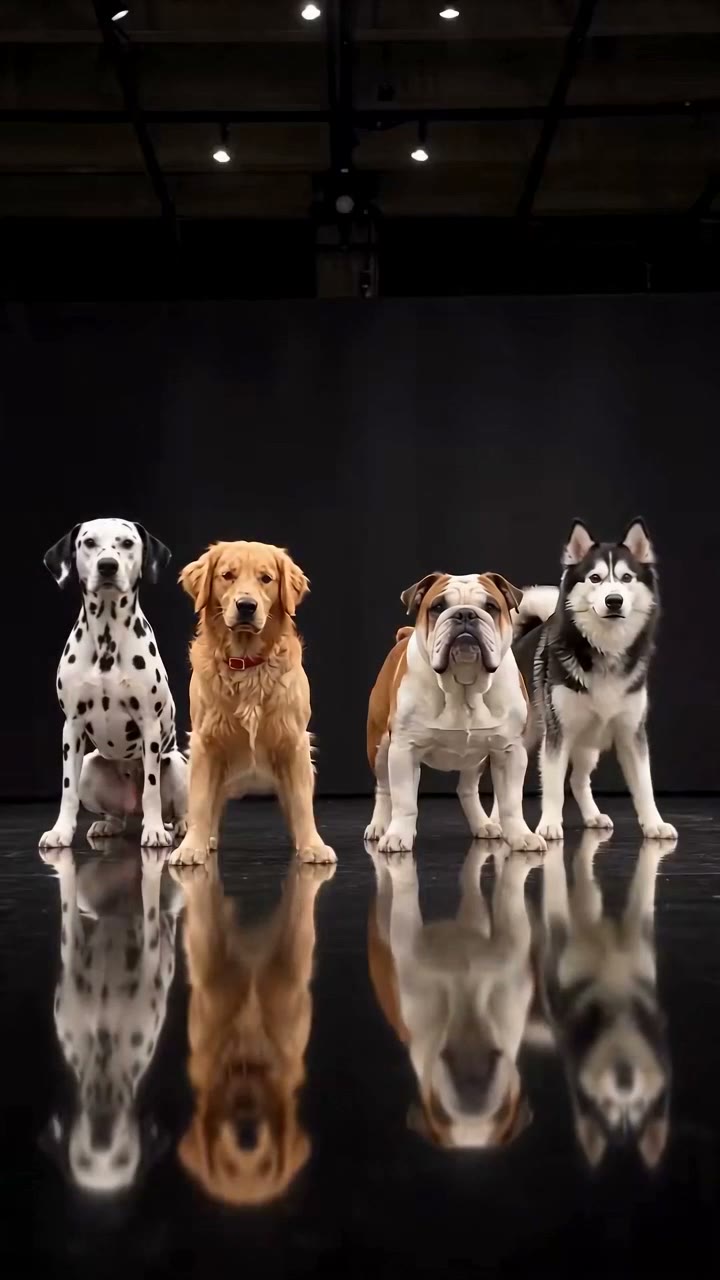 HotDog Dance CrewDog Dance Crew puts your pet in the lead of the viral four-dog dance on a black stage, set to the trend’s song.Make yours →
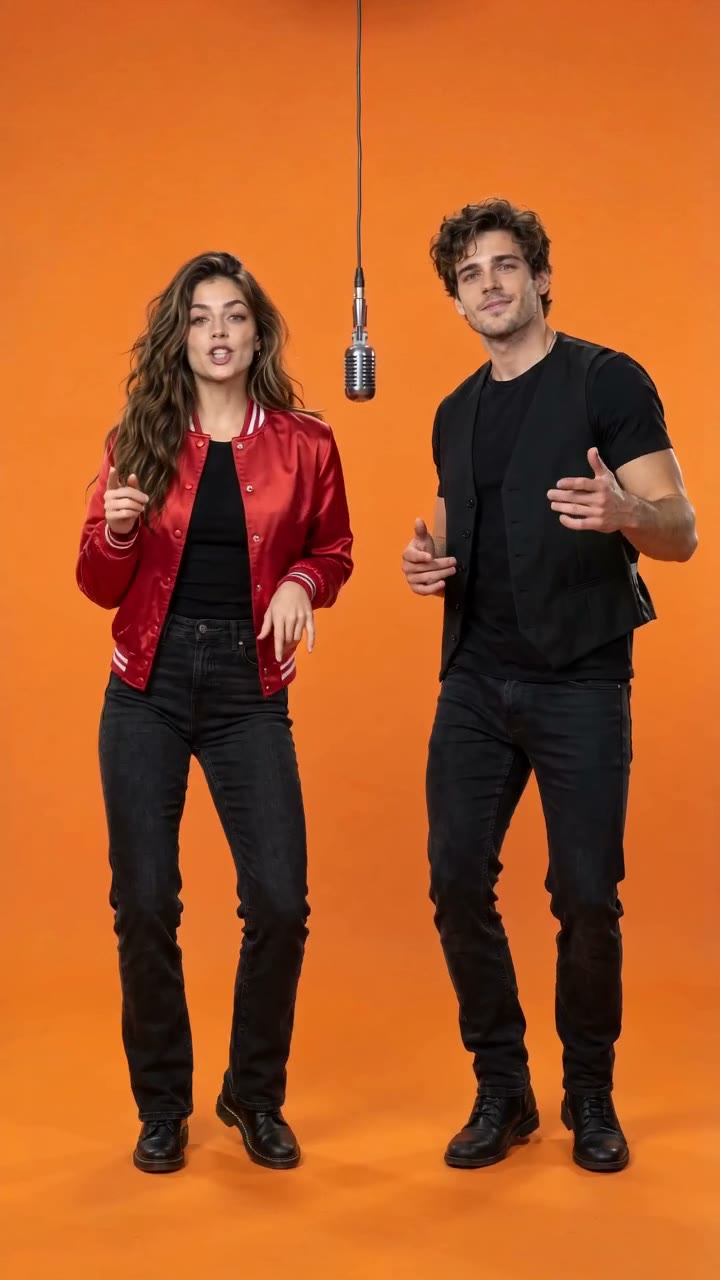 Shared Mic DuoShared Mic Duo puts two friends in a bright orange booth under one hanging microphone, trading lines.Make yours →
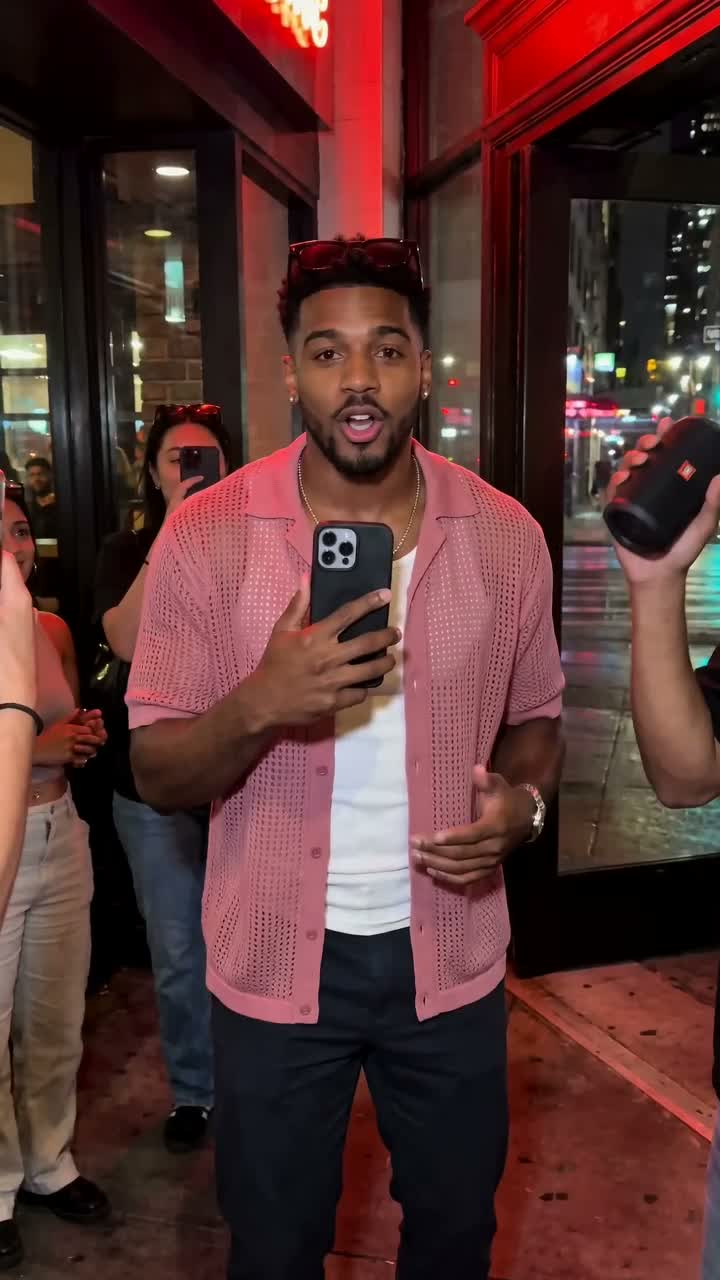 Street FreestyleStreet Freestyle makes you the performer a crowd stops to film.Make yours →DanceAI Dance Video GeneratorHook Dance Challenge, our AI dance video template, turns one full-body photo into a bounce, swipe and pose dance with its own original music.Make yours →
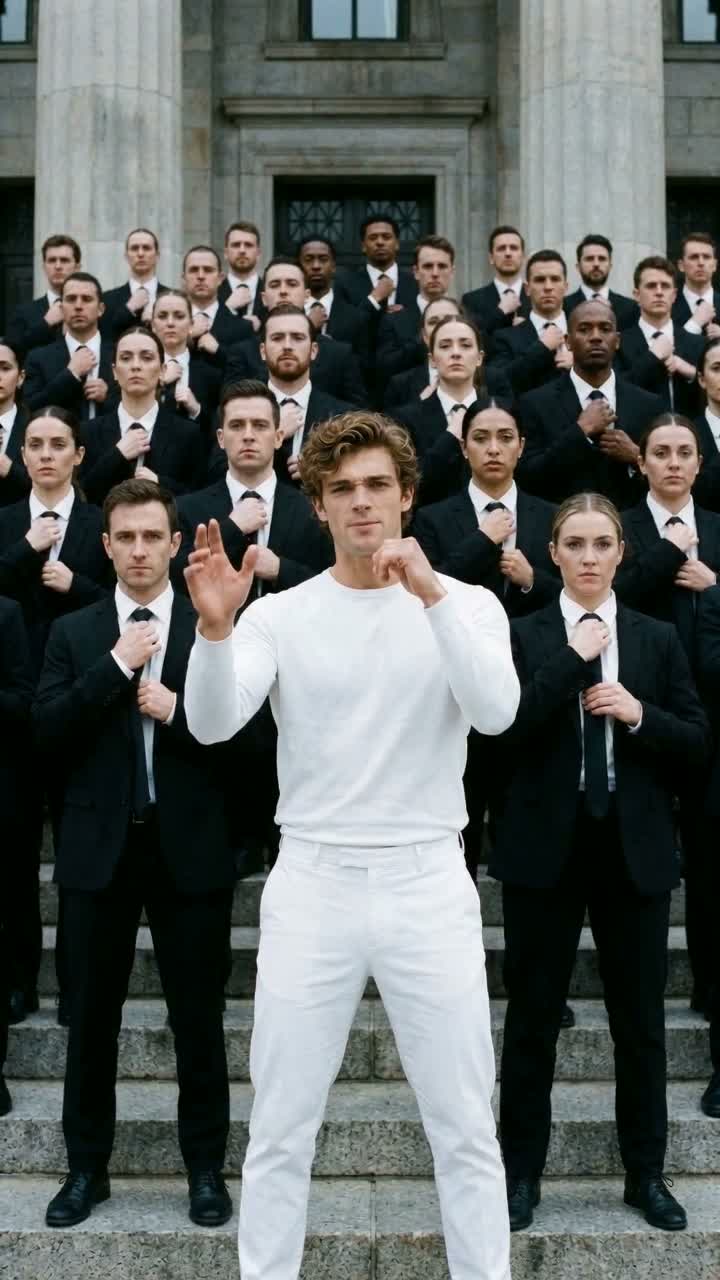 Crowd Wave RapCrowd Wave Rap puts you center stage while a whole crowd raps back in waves.Make yours →
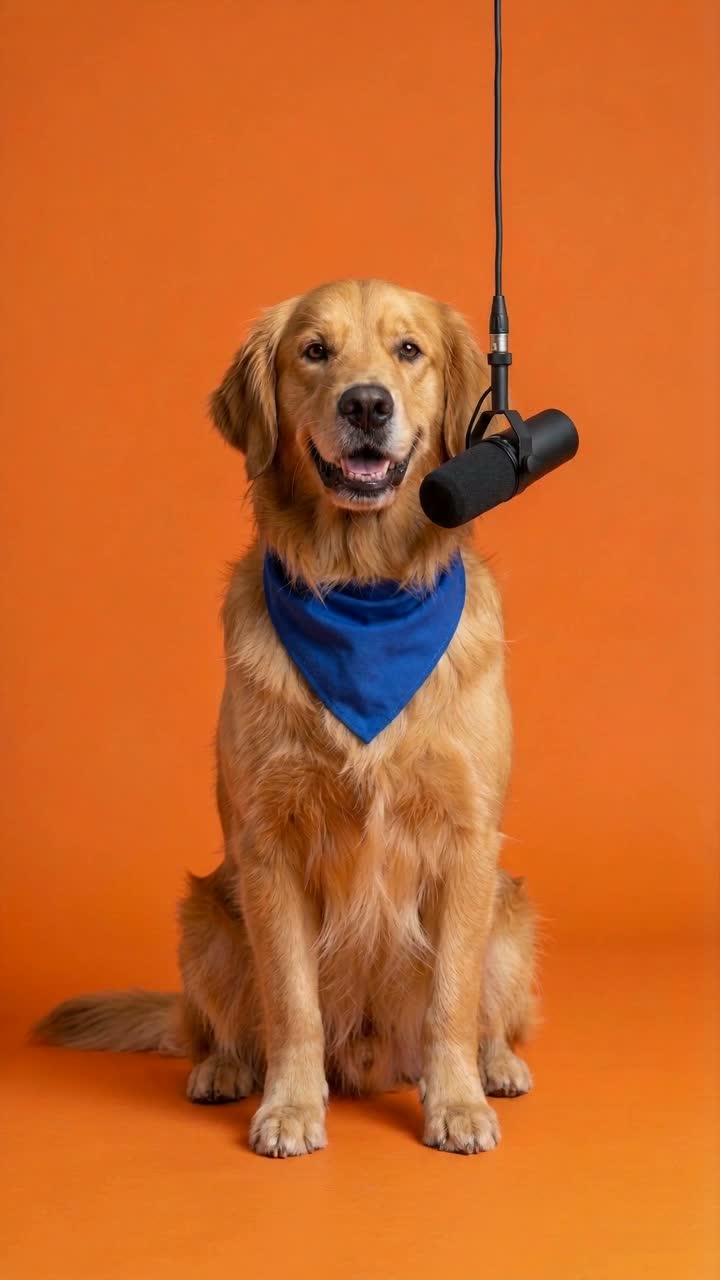 Pet RapperPet Rapper puts your dog or cat at the mic in the same orange booth.Make yours →
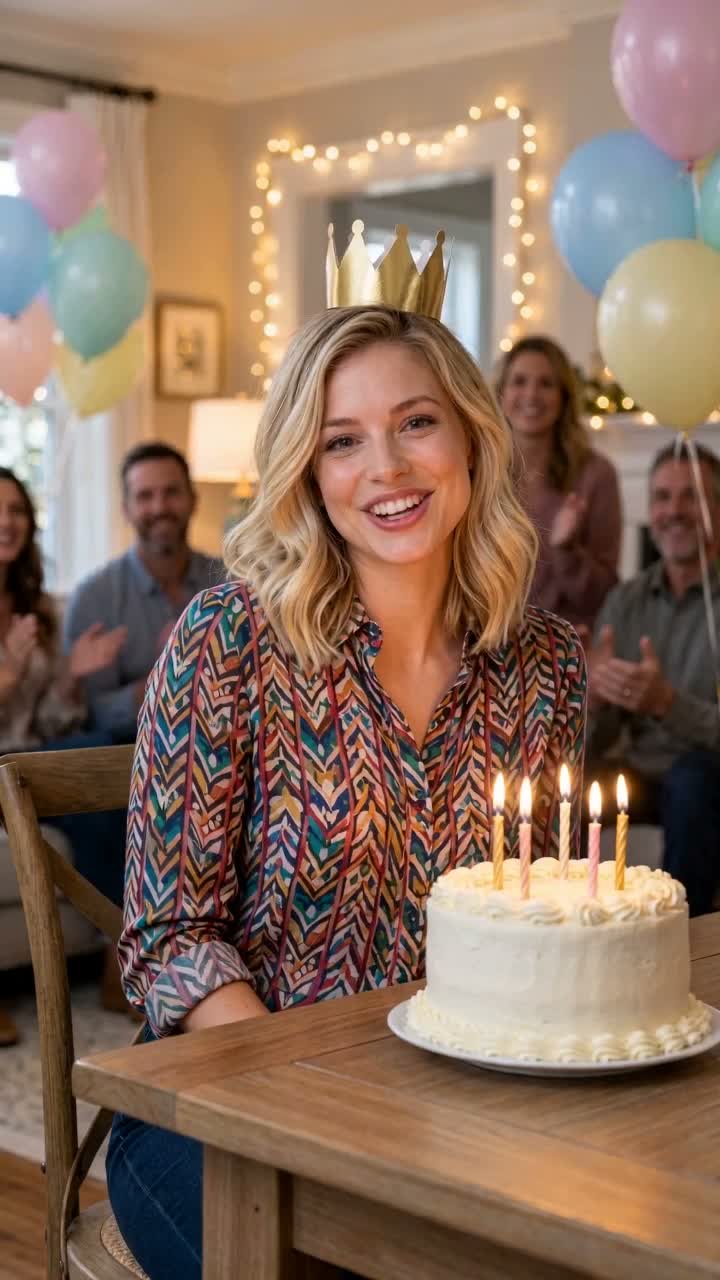 Birthday RapBirthday Rap turns one photo into a party-ready greeting.Make yours →
Unedited AI example
Each public example is a real Rapsona generation from an AI-made fictional photo, shown unedited. Your photo, face match and small motion details will vary — watch the full example with sound before you order.
The same script is used for every video. Generated vocals can drift from it; exact words are not guaranteed.
Generated fresh every time: how closely the face matches, mouth timing, the exact words you hear, the voice, hand and crowd movement, and background details.
The performance
A bouncy groove in the knees, a hand swipe across the open palm on the snare, rolling shoulders in the gaps and a sharp arms-up pose to finish. A sunny palm-lined walkway in bright daylight, with your whole body in frame from head to feet, on a bouncy summer groove around 104 BPM. The template asks for steps to the left and right; how much footwork you get varies between videos.
The routine follows the bounce, palm-swipe and pose of a popular summer dance challenge, simplified so it looks good on anyone. The beat, lyrics and performance are original and written for Rapsona; no existing song, video or dancer is used.
What you pay
| What you get | Price |
|---|---|
| One dance video: 12 seconds, 720p, original music, no watermark | $5.99 · 1 credit |
| 5-video pack, any dance or rap template | $24.90 |
| 10-video pack, any dance or rap template | $43.99 |
| A video that fails or is blocked by the safety check | Credit returned |
One-time payments. Credits never expire, and there is no subscription. See all packs →
How it works
Each one has a fixed routine, scene and original song. Watch its unedited example with sound first.
Use one full-body photo of an adult who agreed to appear: standing, head to feet in the frame, face visible, ideally in fitted clothes against a plain background. A head-and-shoulders portrait is not enough for this template.
A vertical 12-second MP4 with sound, private in your account. Usually ready in 5 to 10 minutes.
The basics
This is a photo to dance video generator with one fixed routine: the face and body come from your photo, while the dance moves, outfit, setting and music come from the Hook Dance Challenge template. Every video is generated fresh, so mouth timing and background details vary between runs. You cannot upload your own song or write custom lyrics.
AI dance video generators work in two different ways. Rapsona uses dance templates; motion-transfer apps copy the moves from a dance video you supply.
| Template dance (Rapsona) | Motion-transfer apps | |
|---|---|---|
| What you upload | One full-body photo | A photo plus a reference dance video |
| Music | Original beat and vocals generated with the video | You add your own track |
| Dance moves | A fixed routine per template | Any dance you have footage of |
| Best for | A finished clip with sound in one step | Copying one specific trending dance |
If you need an exact trending dance, a motion-transfer tool is the better fit. Rapsona is for a ready-to-post clip without finding music or a reference video.
Photo tips
Not sure about your photo? Check it with the free photo checker.
House rules
Rapsona puts real people into videos, so the rules are strict. Before every video you confirm that each person in your photos is you or an adult who agreed.
The full rules: Acceptable Use Policy.
Trending now
The dances everyone is posting this month, each with its origin, the moves second by second and a three-step how-to. New trend templates are listed there the day they pass review.
FAQ
It is a tool that turns a still photo into a short dance video. The face and body come from your photo; the routine, outfit, setting and music come from the template. Rapsona’s version returns a 12-second vertical MP4 with an original beat and rap vocals, usually in 5–25 minutes, and needs no reference dance clip or song.
A standing full-body photo with your head and feet in the frame, your face visible and even light. Fitted clothes and a plain background help the motion look natural.
Not for this template. A selfie only shows your face, so your body would have to be guessed. Use a full-body photo.
The routine follows the same simple pattern, which is what makes it a challenge. AI motion varies a little between videos.
About 12 seconds, as a vertical 720 × 1280 MP4 with sound.
Not yet. Each template has a fixed routine, setting and scripted hook — you choose the template and the photo. Custom songs, custom lyrics and voice cloning are not supported.
Rapsona has no free generation: one dance video costs $5.99. Before you pay you can watch the full example on this page with sound. It is the first and only take from a test photo, not picked from several tries.
Yes, for personal and lawful commercial use with the agreement of the person pictured; label it as AI-generated. The beat and vocals are generated new for each video and no existing song is used. Because AI output can resemble existing material, we cannot guarantee it is free of third-party rights.
Not with this template: it takes one full-body photo of one consenting adult. Group photos are not supported. For pets, Pet Rapper puts your dog or cat at a rap mic; it raps rather than dances.
No. Rapsona does not paste your face onto an existing dance video. Your photo guides a newly generated, fictional performance in an original scene, and the video should be shared as AI-generated.
No. Once it starts, the video keeps generating on our servers, so you can close the page. It takes 5 to 25 minutes, depending on the length of the video and the detailed processing of your photo. Come back then and open Account, under Your videos, to watch and download it.
Product facts reviewed November 3, 2026.
1 full-body photo · 12 seconds · original music · $5.99
Make my dance videoTurn one photo into an AI rap video in four steps: pick a template, prepare the right photo, generate and check the result with sound.
Check photo format, size and dimensions locally, then follow a practical checklist for the photo your AI rap video template needs.
Type and time rap captions in your browser, preview them with a local video and export SRT or WebVTT. No upload, account or automatic transcription.
The TikTok dance trends that are viral right now: origin, song, moves second by second, and how to make each one from a photo.